Updates | HM Math Studio

See published improvements to HM Math Studio lessons, activities, features and fixes.

  1. · Games and lessons

    Revised Group Project and clearer calculus visuals

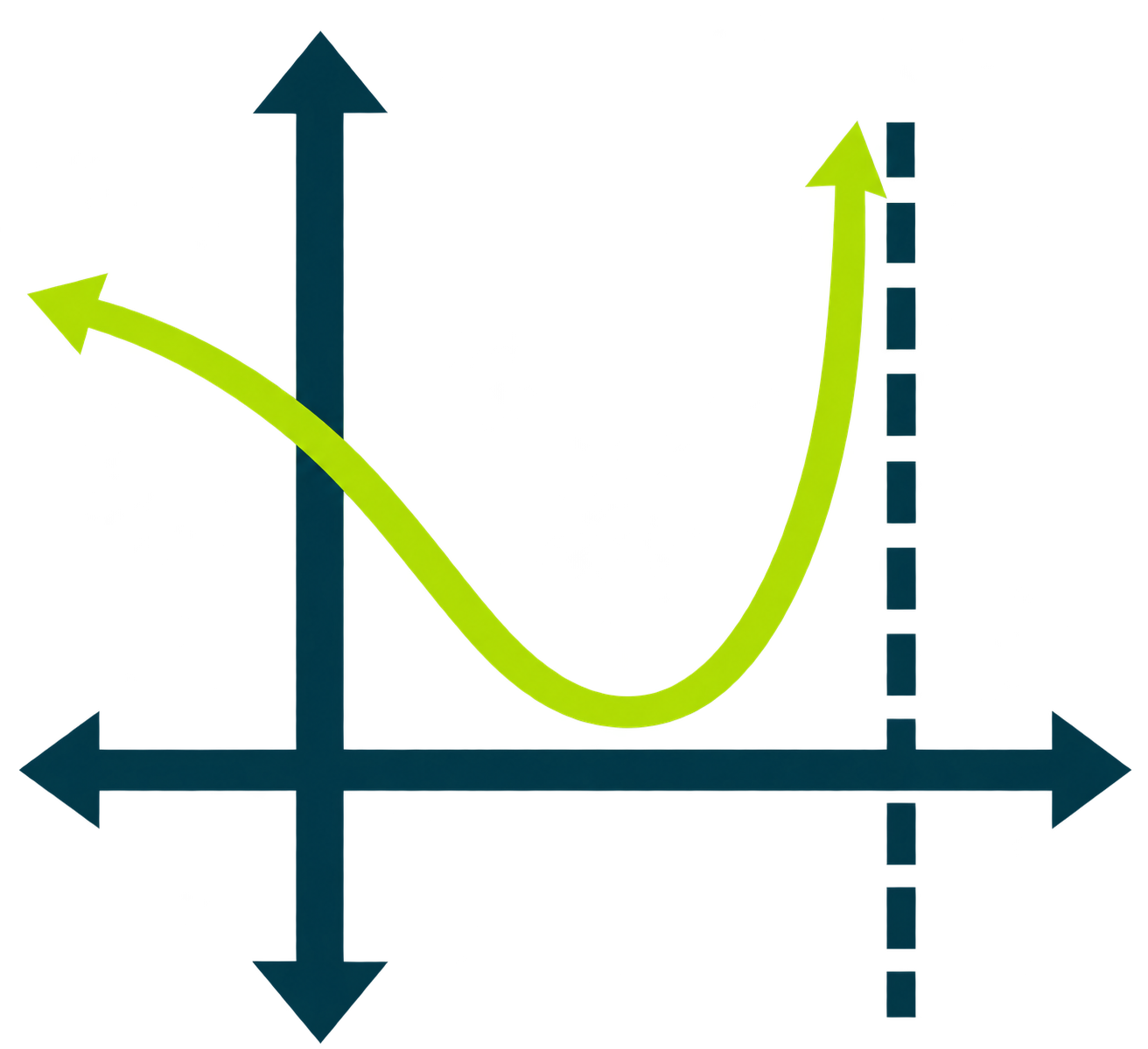
    Group Project now pairs Objectives with Tile Constraints, uses the revised tile supply and draft sequence, and keeps claimed pairs face down until results. Calculus lessons include more interactive and visual explanations, clearer mathematical notation, and captions that explain what to notice. Color Symmetry offers more precise rotation, reflection and color-swap comparison filters.
  2. · New game

    Play Group Project

    Create a private room, invite friends, and build patterns from tiles to claim Objectives. The game includes a rules guide for new players.

  3. · New activity

    Explore two-color patterns in Color Symmetry Studio

    Color Symmetry joins Puzzle Studio and Art Studio. Choose a 2×2 or 1×2 board, enter binary seeds, and explore rotations, reflections and color swaps. Compare the group generated by your choices with every color symmetry of the finished pattern. Save figures or a Word worksheet, follow a guided Tess tutorial, or ask Tess a question.

  4. · New lessons

    Explore networks and everyday financial decisions

    Four new lessons connect graph theory, Eulerian and Hamiltonian paths, simple and compound interest, and credit-card calculations with interactive diagrams, worked examples and fresh review questions.

  5. · Feature

    Your teachers’ classes in one Student Hub

    Verify your school email once to open the classes your teachers have authorized, with private grades, class work, announcements and calendar information.

  6. · Game update

    Build patterns with Abstract and Cultural tile sets

    Choose Abstract or Cultural motifs in Symmetry Studio. Explore 20 puzzles in each set, use 16 new abstract motifs, and randomize compatible motifs while keeping your placements and the same pattern conditions. Each tile set saves its own progress.

  7. · New activity

    Create your own wallpaper art with all 17 symmetry groups

    Explore Puzzle Studio and the new Wallpaper Art Studio. Choose any of the 17 plane symmetry groups, draw or add a photo in its fundamental region, and see your pattern grow. Try example designs, show symmetry diagrams, save your creation or export an image. Tess offers guided tutorials, and puzzle hints now show clearer glowing tiles and faded target orientations.

  8. · Feature

    Find learning tools and follow your class calendar

    Find lessons, practice and your class space through clearer navigation and a short optional tour with Tess. Featured lessons follow recent learning activity. Class calendars show shared events, category labels and notes, and refresh when teachers publish changes.

  9. · Feature

    Submit group websites and individual evaluations

    One group member can submit a website for the whole group. Each student can then submit a private peer and self-evaluation, use the project rubric and evaluation guide, and return to their saved submission in Student Hub.

  10. · Feature

    Keep results and ask about your notes

    Save quiz, exam and completed review results in your Learning Notebook. Share a selected note or send it with a question, then return to the same conversation for teacher replies and follow-ups.

  11. · Feature

    Your class tools in one Student Hub

    One school-email verification opens your authorized class tools, with private submission receipts and feedback, a class calendar and approved student projects.

  12. · Feature

    Check released grades privately

    Verify your school email to view your own released scores, see points needed to pass, and explore letter-grade targets with Tess. A visual points plan shows your progress, and you can ask your teacher to check a recorded score.

  13. · New activity

    More lesson practice in Snowball

    Snowball now draws on 1,800 questions from all 30 classroom lesson banks. Keep answering in the question panel, skip to a new question or continue after a correct answer, with less immediate repetition.

  14. · Feature

    Explore mathematics with Tess diagrams

    Tess can construct box plots, histograms, probability diagrams and other mathematical displays in chat, with underlying values available to inspect. Related lesson explorations can open beside the explanation.

  15. · Lesson improvement

    Lesson activities beside the ideas they teach

    Additional explanations, worked examples and interactive explorations now sit within their matching topics across all 30 lessons. Data Management has separate frequency-table/histogram and box-plot builders, while each lesson keeps its final review and comprehensive quiz link.

  16. · Feature

    Clearer feedback and site insights

    The admin dashboard now separates visitor traffic from identifiable testing and automation, and presents feedback messages in clearer cards to help prioritize improvements.

  17. · Lesson improvement

    Explore Calculus from limits to optimization

    Five connected lessons bring limits, derivatives, applications, curve sketching and optimization into lesson reviews, classroom quizzes and study tools, with interactive explorations and matching printable resources.

  18. · New activity

    Construct a curve in Graph Quest

    Build a domain-aware sign table, interpret derivatives, and construct an anchored qualitative sketch with Tess. Learn and Challenge modes, twenty-six analytic families, optional hints and a guided tutorial help you connect calculus with the shape of a graph.

  19. · New activity

    More ways to practise across all 25 lessons

    Each lesson now has 40 additional question families, including graphs, diagrams, tables and reasoning tasks. Choose lesson sections for focused quizzes, with clearer answer controls and saved results.

  20. · Feature

    Share a fixed classroom quiz

    Choose lesson sections, curate questions, share a classroom code and review private participation, hint use and results. Independent quizzes also offer explained confidence reports.

  21. · Feature

    Keep your thinking and choose your next practice

    Save lesson notes and questions in a private Learning Notebook, reflect on corrections, and choose fresh practice from your learning history.

  22. · Feature

    Prepare with study pathways and matching learning packs

    Choose a study route, practice reasoning about assumptions, and use matching printable guides, worksheets and solutions for all 25 lessons.

  23. · New activity

    Explore chance in Probability Lab

    Build probability experiments, predict outcomes and test your reasoning through 21 missions and an open laboratory.

  24. · New activity

    Learn by finding and repairing mistakes

    Explore common misconceptions and inspect flawed worked solutions beside lesson concepts, with hints, corrections and optional Notebook saving.

  25. · Feature

    A simpler way to maintain learning content

    Visual page editing, equation templates and reusable activities help the site admin maintain explanations and learning resources.

  26. · Feature

    A clearer invitation to share feedback

    The homepage development notice now invites you to report a problem or make a recommendation through the existing Feedback form.

  27. · Lesson improvement

    Practice beside the ideas you are learning

    Lesson exercises now sit beside their related teaching sections. Each lesson ends with one review, followed by a link to configure a broader practice quiz or exam.

  28. · New activity

    Build symmetry with Philippine textile patterns

    Symmetry Studio now offers 20 puzzles using reflections, rotations and repeating patterns. Select tiles with a keyboard or pointer, check your pattern and use hints when needed. Previous puzzles and their saved progress remain available through a link inside the game.

  29. · Feature

    Simpler app update choices

    When an app update is available, choose Yes to update or No to wait. A short explanation appears beneath the choices.

HM Math Studio

Opening your learning space…